Specs, budget, schedule
— no spreadsheets
One workspace for architects, designers,
procurement specialists and project managers.
200+ studios and professionals already use Dora
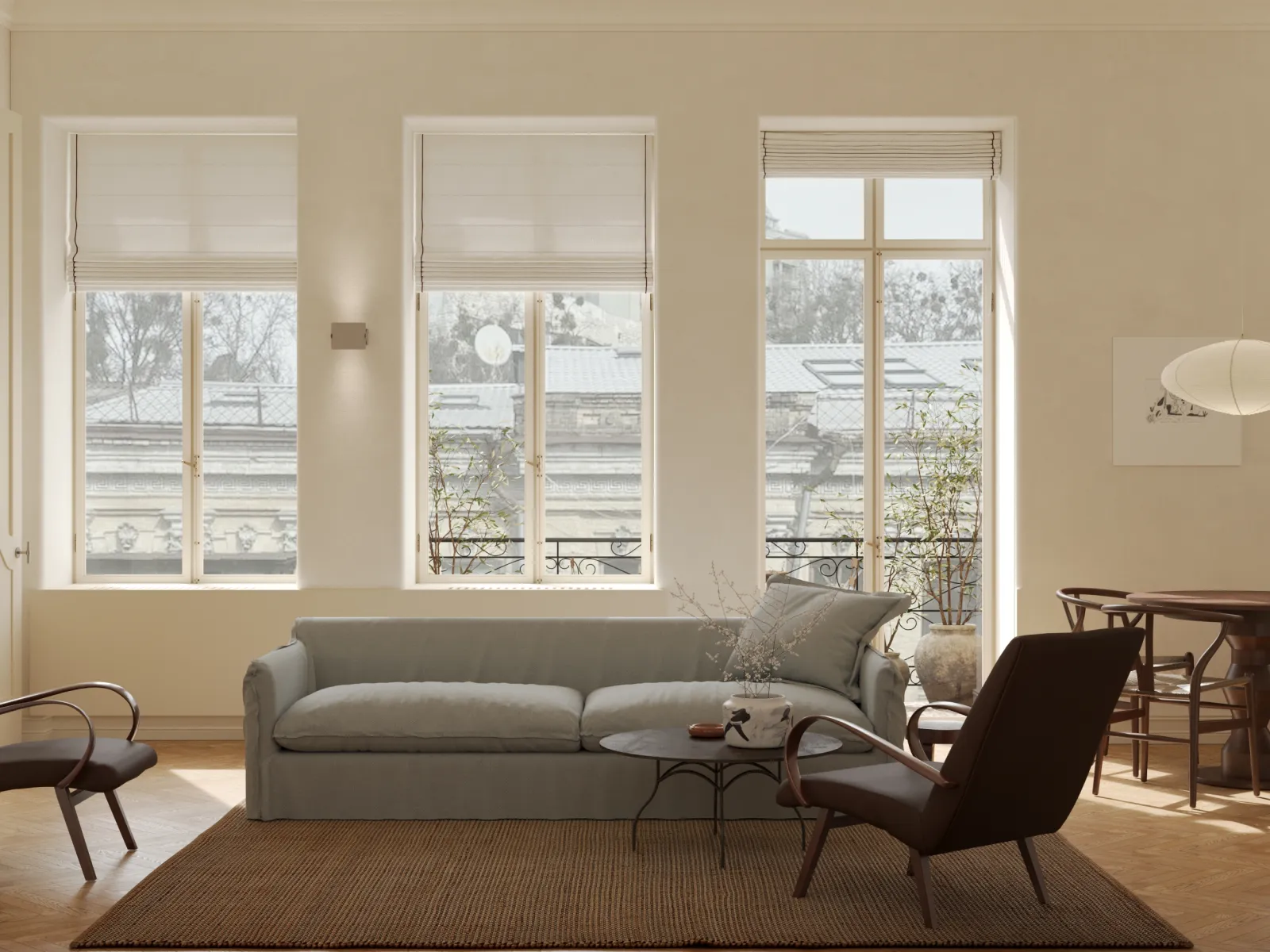

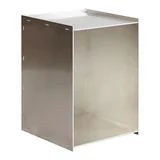
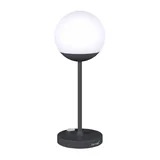
Paste a link — Dora fills in the cardPaste a link — Dora fills in the product card
Name, photo, price and dimensions — automatically.Name, photo, price, dimensions, and materials are extracted automatically. 70–80% of product sourcing already happens online — now what you find becomes a specification right away.
670+
stores — from big retailers to niche brands
99%
of links parse successfully
Budget, zones, and categories — without a single formula
Totals add up on their own, and items group by zones or categories.Items are grouped by zones and categories, totals add up on their own, and the product library keeps items for your next projects.

Project stages and purchases on one chart
Project stages, purchases, deadlines and team workload — on a Gantt chart.From concept to drawings: stages with owners, purchases from the approved spec, deadlines, and team workload — on a Gantt chart instead of yet another spreadsheet.
Moodboards, drawings and briefs — on one board
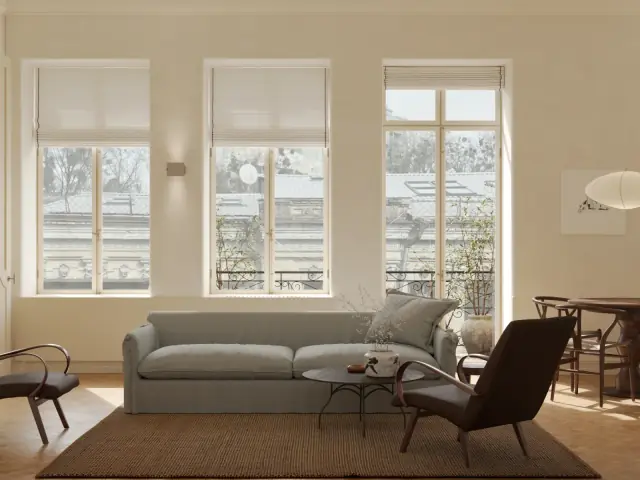
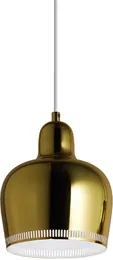
Boards inside your project: photos, priced products from your spec, stickies, notes and arrows.
Create moodboards
Drop in photos, add products from your spec or library — prices included — and caption them with stickies.
Share with clients
The link opens without sign-up: clients view or edit the board, and you see their cursor live.
Review drawings
Put a plan or an elevation on the board and mark changes with arrows, the pen and notes.
Brief your visualizers
References, materials and wishes in a single link instead of a long chat thread.
One plan, every feature
The first 14 days are free, no credit card needed.
Pro
per user
or €138 a year — 2 months free
For customers from Ukraine — €7/month or €69/year
- Unlimited projects and specifications
- Product parsing from links
- Online client approval
- Procurement schedule on a Gantt chart
- Boards for moodboards and drawings
- Branded PDF and Excel import
- Product library for your next projects
14 days free · No credit card · Cancel anytime
Team plan — for teams
The same features for the whole team: shared projects, roles and permissions.
Flexible terms for studios of 5+ users





Q&A
What is Dora?+
Dora is the interior designer's workspace: specifications with automatic product parsing from links, online client approval, a project budget, a procurement schedule on a Gantt chart, and boards for moodboards and drawings.
How much does Dora cost?+
The first 14 days are free, with all Pro features and no project limit. After that, Pro costs €14/month or €138/year. Customers from Ukraine get special pricing — €7/month or €69/year.
Do I need a credit card to start?+
No. All you need is an email address or a Google account. A card is only needed if you decide to subscribe after the trial.
What happens after the 14-day trial?+
Nothing disappears: your projects and specifications stay in your account in view-only mode, and public links keep working. A subscription unlocks editing again.
How does product parsing from a link work?+
Paste a product link and Dora extracts the name, price, photo, dimensions, and materials. Designers already add products from 670+ stores — 99% of links parse successfully. Tricky pages are handled by AI powered by Claude from Anthropic.
Does the client see prices?+
You are in control: show or hide prices and discounts, hide individual zones or categories, and show item alternatives. The public link always shows exactly as much as you allow.
How does the client approve items?+
The client opens a public link without signing up, taps “Approve” or “Reject” next to each item, and leaves comments. You see the result in the project immediately, and the change history is saved.
What are boards in Dora?+
A board is an infinite canvas inside your project, like Miro: photos, products from your spec with prices, stickies, text, arrows with notes, and a pen. Designers use boards for moodboards, drawing reviews, and visualizer briefs. Clients open a board by link without signing up, and changes from teammates and clients appear live.
Can I import a specification from Excel?+
Yes. Upload your existing spreadsheet and continue in Dora without starting from scratch. Export works both ways: PDF for the client and Excel for reporting.
Can I work as a team?+
Yes: invite colleagues by email, work on shared projects with roles and permissions, and keep a contractor database. Studios can use the Team plan with per-seat pricing — cheaper from 5 seats.
Which languages and currencies does Dora support?+
The interface, specifications, and client links work in Ukrainian, English, and Polish. Specifications are multi-currency: every item can have its own currency, while totals and the budget are calculated in the project currency — exchange rates update automatically.
Where is my data stored?+
In an encrypted database. Only you and the teammates you invite have access to your projects, and public links are visible only to the people you share them with.
Build your next specification
in Dora
Sign-up takes a minute: Google or email. A demo project is waiting inside — plenty to click around.
200+ designers and studios already build their specs in Dora